
Rediscover your memories.
Browse your photo library your way. Swipe to save the ones you love, set others aside, and rediscover what’s already there.





One library. Five ways to explore.
Browse at your own pace, find a place, compare similar shots, or let memories play. There’s a view for every mood.
-
Photo Cards
Browse left and right, swipe up to favorite, or down for Cleanup
-
Immersive
Browse continuously, favorite, organize, and share
-
Map Area
Choose an area on the map and see only photos taken there
-
Similar Photos
Find similar scenes and review them in groups
-
Digital Frame
Play memories at random and turn this device into a digital frame




Swipe through. Keep what matters.
Left or right to browse. Up to favorite. Down to set aside for Cleanup. A little sorting, one photo at a time.
Nothing is deleted when you swipe. Review your Cleanup list and confirm before anything moves to Recently Deleted.
Try the demo: drag a card, or use the arrow keys.
Your library, a little easier to enjoy.
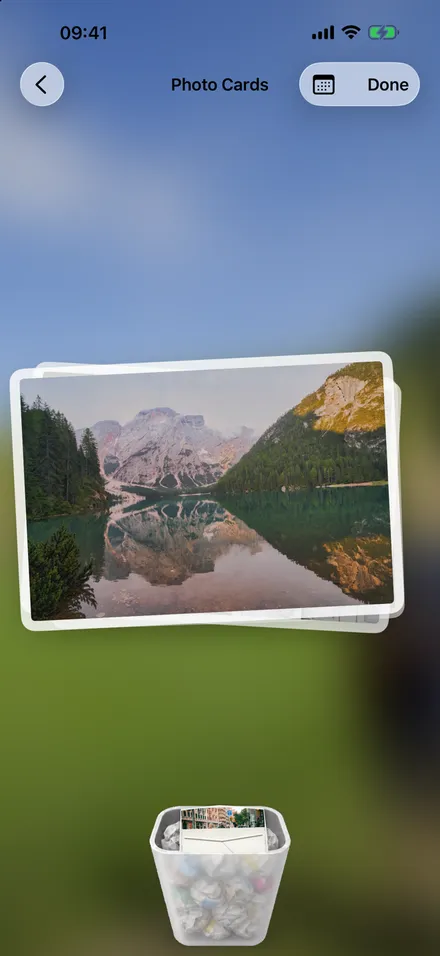
Sort as you browse
Keep favorites close and gather unwanted photos in Cleanup, ready for a final review.
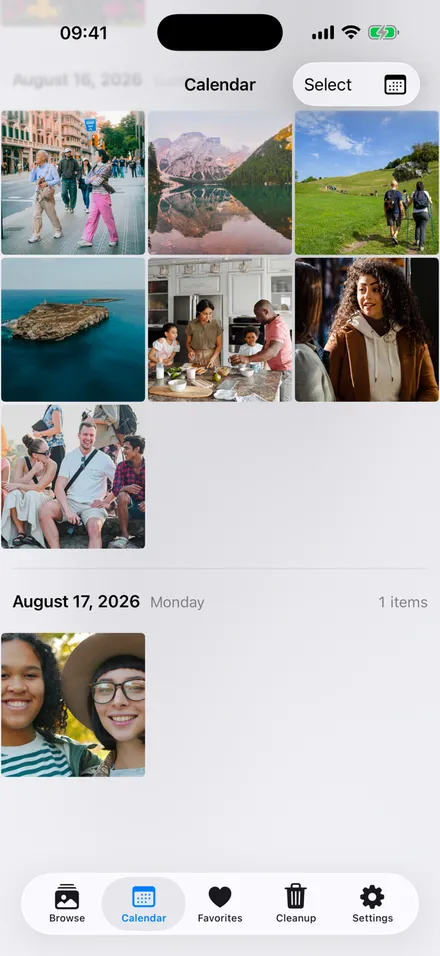
Find a day
Browse by date in the calendar or timeline. Pinch the photo grid to change how much you see.
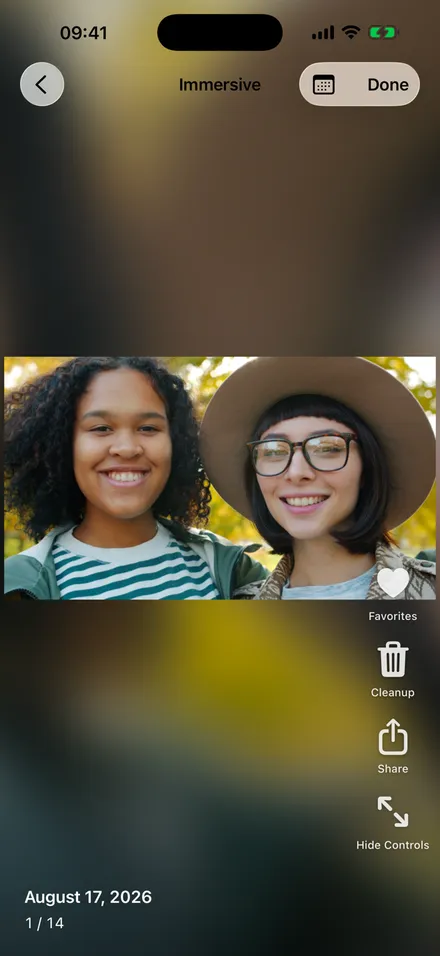
Stay in the moment
Enjoy photos full-screen, with favorites, Cleanup and sharing always within reach.
An old device. A new photo frame.
Put an unused iPhone or iPad on display and let your photos play. Your memories deserve more than storage.
- Shuffles your favorites, or your whole library
- A different memory every time the screen wakes
- Home Screen widgets for the moments you love



Now, step back into your memories.
For iPhone and iPad. Start free, with Pro when you want more.
Download on the App Store